DRY is one of my watchwords. That’s “Don’t Repeat Yourself“, of course.
If you’re designing your page to work with-and-without JavaScript enabled, then you’ll likely be tempted to repeat some of the
user-interface text in the template and in the JavaScript file. Especially for text that appears only some of the time.
One alternative is to render that text all the time, and only show it some of the time. In Launchpad, you add the “unseen” class to text in order to hide it.
In YUI3, it’s easy to add or remove classes using Node.toggleClass(). For example:
foo.toggleClass('unseen', baz);
This adds the ‘unseen‘ class to foo when baz is true, and removes it when baz is false.
This approach means you don’t need to repeat the text. It means your HTML stays in an XHTML file, with all the syntax-highlighting and other tool support that implies. It makes it easier to live with the fact that Launchpad don’t have a hardcore templating system in JavaScript.
It doesn’t eliminate all issues. If the page needs to have more than one instance of the text, this approach doesn’t directly apply. However, it’s easy to imagine extending it by using a hidden copy as a prototype and copying it as needed.
One disadvantage is that testing becomes harder. With conditional rendering, you can just check whether the text is rendered. With conditional visibility, you need to check whether the text has the unseen class, which is harder. If plan to apply this technique, it’s best to start out using it, or else you’ll have to rewrite all your tests when you switch approaches.
Another issue is that you will probably need to leave placeholders. For example, one of our conditionally-rendered strings included a link to a branch. When there’s no assigned branch, that text must be hidden. When someone assigns the branch via AJAX, we need to have a placeholder for the branch link, so that we can set it to the correct value with Javascript. At present, there’s no way to generate placeholders for arbitrary types, so it must be done manually.


 Visit this URL:
 Launchpad has quite a few background tasks that update things outside of your browser request, and the only way you know that they finished is to reload a page to see if it changes.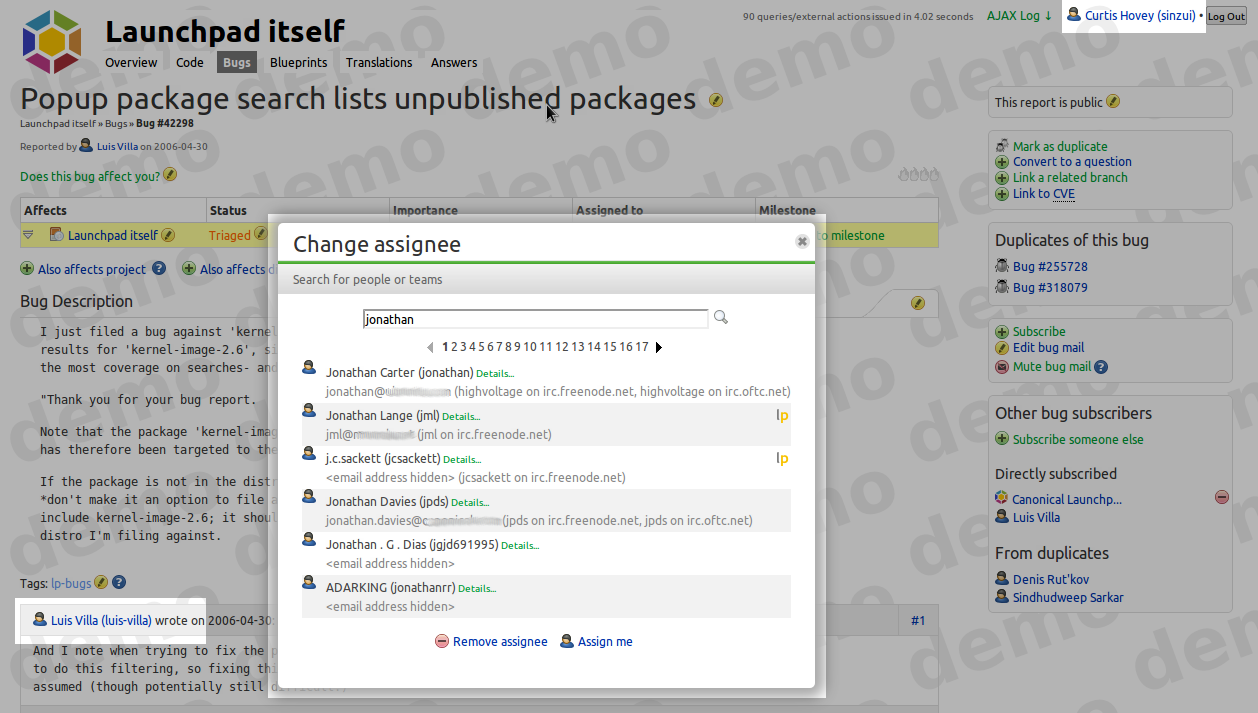
 Yesterday,